
You’ve built the shop. The products look good, the prices are right, someone finally lands on your site ready to buy — and then they ask if they can pay with M-Pesa. You say “not yet.” They leave. You don’t hear from them again. Without a working M-Pesa online shop in Kenya, that scene repeats every day.
The short version
- Most Kenyan shoppers pay with M-Pesa, not a card — your checkout needs to support it.
- Pesapal and iPay Africa get you live in hours with a free WooCommerce plugin, no developer required.
- Daraja API gives the lowest fees and full control, but needs custom development and your own paybill.
- Test with a real order, add a reassuring checkout note, and confirm your payout schedule before launch.
That’s the single most common reason a finished online shop in Kenya makes no sales: it can’t take the one payment method almost every customer actually has on their phone. This guide walks through exactly how to fix that — with the three real options, what each one costs, and the steps to get any of them live on your shop this week.
Why Every M-Pesa Online Shop in Kenya Needs This Set Up Right
Card ownership is low in Kenya compared to mobile money use, so a checkout page that only takes Visa or Mastercard is effectively closed to most local shoppers. M-Pesa is the default way people already move money for rent, school fees, and groceries — adding it to checkout isn’t an upgrade, it’s the minimum bar for a shop that wants to sell to Kenyans online.
The good news: you don’t need to build anything from scratch to offer it. There are three practical routes onto your shop, each suited to a different size of business and level of technical comfort.
The Three Ways to Accept M-Pesa Online
Pesapal
A hosted payment gateway that bundles M-Pesa, cards, and Airtel Money in one checkout. Plugin-based setup, no developer needed.
iPay Africa
Kenyan-built gateway with strong M-Pesa support and a free WooCommerce plugin. Good documentation, fast local support.
Daraja API
Safaricom’s own developer API. No gateway markup, just the standard Safaricom rate — but it requires custom integration work and your own paybill.
Pesapal vs iPay vs Daraja — Quick Comparison
| Feature | Pesapal | iPay Africa | Daraja API |
|---|---|---|---|
| Setup difficulty | Easy (plugin) | Easy (plugin) | Hard (custom dev) |
| Own paybill required | No | No | Yes |
| Accepts cards too | Yes | Yes | No (M-Pesa only) |
| Monthly fee | None | None | None |
| Per-transaction fee | ~2.9–3.5% | ~2.5–3% | ~1.0–1.5% (Safaricom rate only) |
| Settlement time | T+1 for M-Pesa | Per payout schedule | Direct to your paybill |
| Per-transaction limit | KES 150,000 (M-Pesa cap) | KES 150,000 (M-Pesa cap) | KES 150,000 (M-Pesa cap) |
| Time to launch | Hours | Hours | Days |
| Best for | New shops wanting cards + M-Pesa fast | Kenya-only shops wanting lower fees | High-volume shops wanting the lowest fees |
Setting Up Pesapal on Your WooCommerce Shop
Create a free merchant account at Pesapal and complete the business verification form — you’ll need your business registration or ID, plus a bank account or mobile wallet for payouts.
Once approved, go to your Pesapal dashboard and generate your Consumer Key and Consumer Secret under API settings.
In WordPress, install and activate the official Pesapal for WooCommerce plugin from the plugin directory.
Go to WooCommerce → Settings → Payments → Pesapal, and paste in your Consumer Key and Secret.
WooCommerce → Settings → Payments → Pesapal
Set your callback/IPN URL exactly as shown in the plugin instructions — this is what tells your shop a payment succeeded.
Switch Pesapal from test mode to live mode, place a small real order yourself to confirm it works, then you’re done.
Setting Up iPay Africa on Your WooCommerce Shop
Register a merchant account at iPay Africa and submit your business details for approval.
From your iPay dashboard, copy your Vendor ID and Hash Key.
Install the iPay WooCommerce plugin from the WordPress plugin directory.
Enter your Vendor ID and Hash Key under WooCommerce → Settings → Payments → iPay.
Choose which channels to enable — M-Pesa, Airtel Money, cards — iPay lets you toggle each independently.
Test with a small live transaction before announcing the new payment option to customers.
Confirm payouts are landing in your linked bank account or mobile wallet on iPay’s normal settlement schedule.
Going Direct With the Daraja API
The Daraja API is Safaricom’s own developer toolkit for M-Pesa, now on version 3.0 — a cloud-native release with faster onboarding and improved reliability. It’s the route to choose if you need a fully custom checkout experience, you’re processing high volumes where the lower per-transaction cost matters, or you already have a developer on the project. It requires registering for a paybill or till number, building the STK push and callback handling yourself (or having WebElders do it), and going through Safaricom’s go-live approval process.
For most shops, Pesapal or iPay get you live faster with no code, even though they cost a bit more per transaction. Daraja is worth the extra setup time once M-Pesa is your highest-volume channel and that lower per-transaction rate adds up — or your checkout needs something the off-the-shelf plugins can’t do.
Not sure which option fits your shop? Send us your site and we’ll tell you the fastest route to live M-Pesa checkout.
Chat with WebElders on WhatsAppAfter You Go Live: Three Things to Check
- Test a real order from your own phone. Don’t just trust the sandbox — place one live, low-value order and confirm the STK push, payment confirmation, and order status all behave correctly.
- Add a short checkout note. A line like “Pay instantly with M-Pesa — you’ll get a prompt on your phone” reduces hesitation at the exact moment customers decide whether to trust the button.
- Confirm your payout schedule. Know whether your gateway settles same-day, next-day, or weekly, so cash flow doesn’t catch you off guard in the first month.
Frequently Asked Questions
Can I accept M-Pesa on a WooCommerce shop?
Yes. WooCommerce supports M-Pesa through gateway plugins such as Pesapal, iPay Africa, or a direct Daraja API integration. Most shops are live within a day of installing the plugin and getting their merchant credentials approved.
What’s the cheapest way to accept M-Pesa on my shop?
A direct Daraja API integration is the cheapest per transaction, since you only pay Safaricom’s standard rate with no gateway markup. Pesapal and iPay Africa charge a higher percentage per transaction, but they get you live in hours instead of days, which is worth it for most shops starting out.
Do I need a business till or paybill number to accept M-Pesa online?
Not for Pesapal or iPay Africa — they provide a shared paybill and route funds to your account. A direct Daraja API integration does require your own paybill or till number registered with Safaricom.
Is there a limit on how much a customer can pay via M-Pesa?
Yes. Safaricom caps M-Pesa transactions at KES 150,000 per transaction, regardless of which gateway you use. For a higher-value order, the customer would need to split payment across more than one transaction or use a card instead.
Can I set up recurring or subscription payments with M-Pesa?
Not directly. M-Pesa doesn’t natively support recurring billing the way a card does, so subscription shops typically prompt for a fresh STK push each billing cycle, or offer a card option alongside M-Pesa for customers who want automatic renewal.
What happens if I need to refund an M-Pesa payment?
Refunds go back to the same M-Pesa account that made the payment. Pesapal and iPay both support refunds from the merchant dashboard; with a direct Daraja integration, you’d trigger the reversal yourself through the API.
Is M-Pesa payment on a website safe for customers?
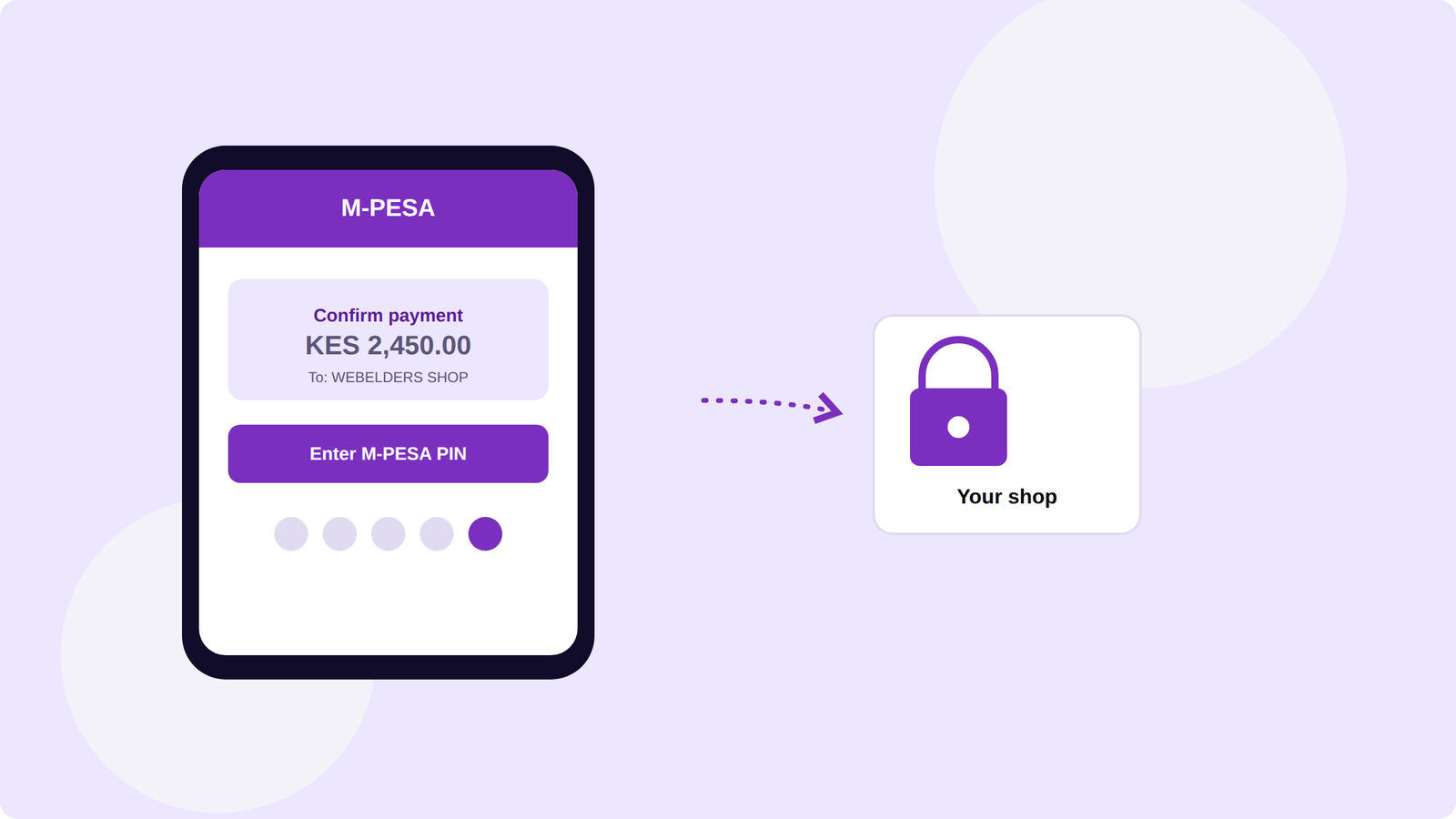
Yes, provided the integration uses HTTPS and a recognised gateway. Customers authorize payment on their own phone through an STK push, so their PIN is never entered on the website.
A confirmed M-Pesa payment turns a cart into a completed order — instantly.
Ready to Go Live
You’ve now got the full picture: why M-Pesa matters, which of the three gateways fits your shop, and the exact setup steps for each. If you skipped ahead, the summary at the top of this article has the quick version — the rest of this page is here whenever you need the detail behind it.
Want M-Pesa live on your shop this week, without touching code yourself?
Get it set up on WhatsAppNeed your online shop sorted?
We build, fix and manage online shops — same-day response. Message us on WhatsApp and tell us what you need.
Message us on WhatsApp